Indonesia remote travel
Posting from a quiet corner of Bali's islands with an Indonesia eSIM
· 5 min read
You found a cove with no crowds, you filmed it, and now you want to share it without hunting for cafe Wi-Fi. An Indonesia eSIM set up before you land can make that upload simple, when there is reception. Here is how to plan for it honestly.
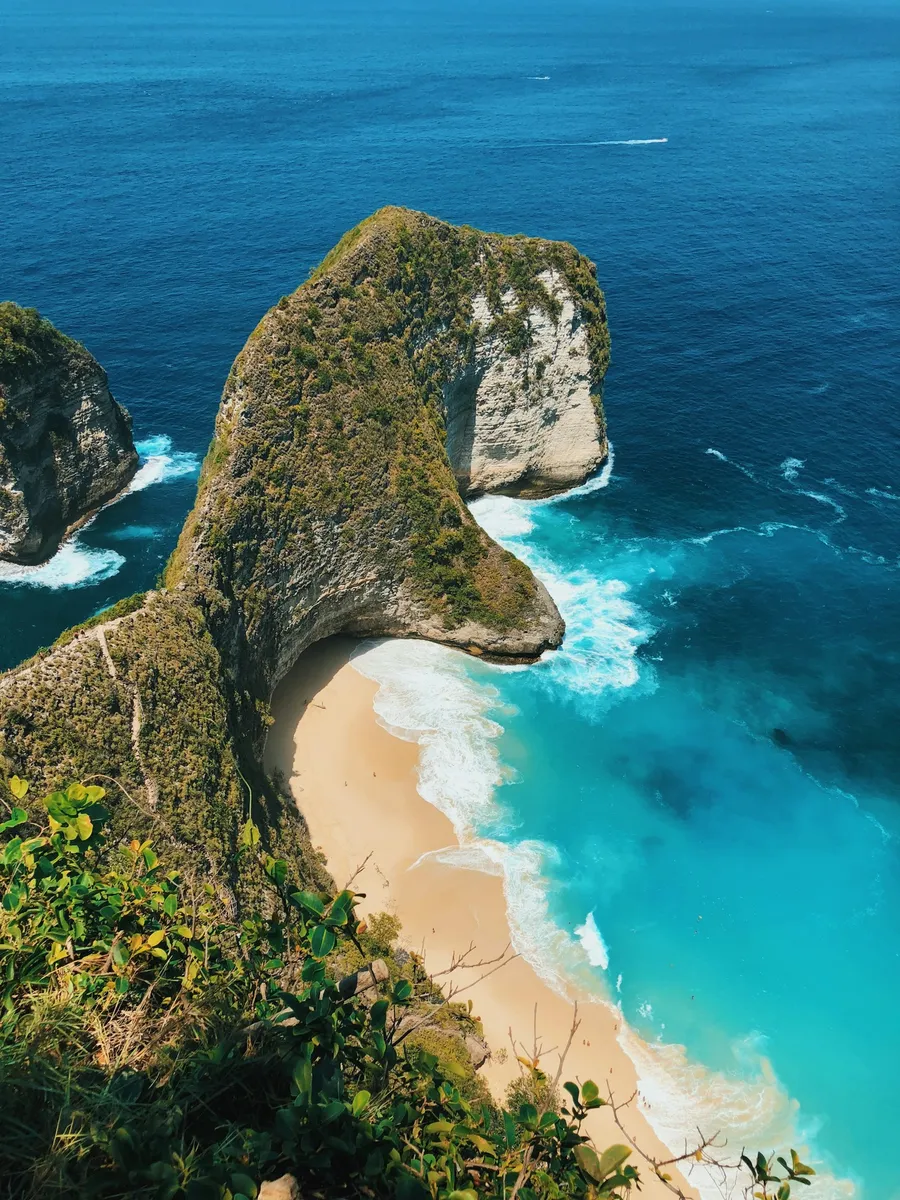
An illustrative scenario: one easy post from Nusa Penida
Illustrative scenario only, not a testimonial. A traveller spends the morning at a quiet Nusa Penida cove, filming clips and taking photos in airplane mode to save battery and stay present. Later, at a safe spot with reception, such as the top of the access road, they open Instagram and upload over mobile data from their already-installed Indonesia eSIM.
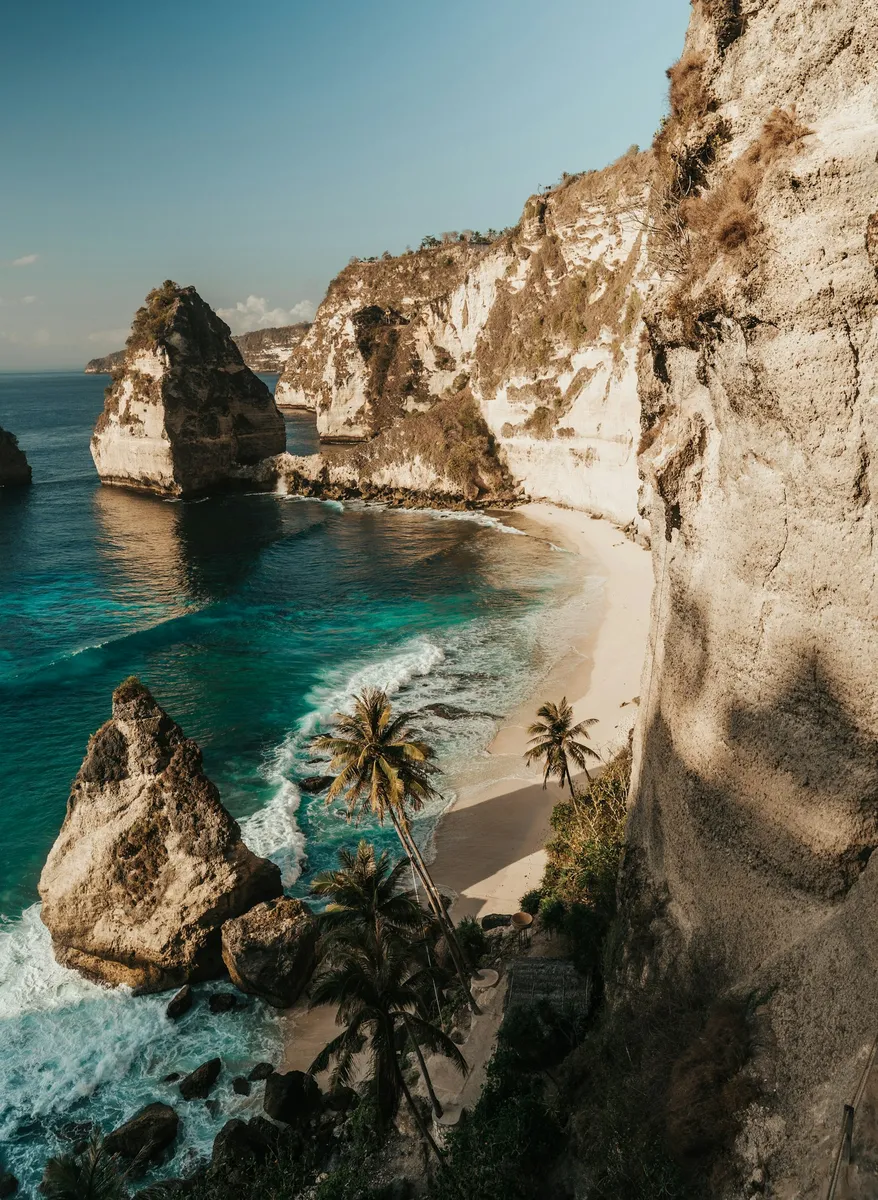
No wandering between cafes looking for a password. The photos in this article show real places in Indonesia and are not evidence of connectivity at any specific spot.
Check Indonesia eSIM coverage before you buy
Be realistic: remote beaches, cliffs, small islands and boats can all lack service. Travel eSIMs cannot create reception. Do not assume full coverage across Indonesia or assume a particular network. Before buying, check available coverage details for the islands you plan to visit. Ask support if a network or island is not clearly listed, rather than assuming a plan covers it.
We do not promise remote-beach reception, Instagram speeds or specific data use per video. Upload sizes vary widely with clip length and quality.
Compare coverage details on the Indonesia eSIM plans page.
An offline-first posting routine
A few habits make posting calm instead of stressful, whatever the signal.
- Shoot and save drafts, and export originals locally. Drafts are not guaranteed to survive, so keep copies.
- Upload smaller videos over mobile data and save large files for Wi-Fi.
- Switch off automatic cloud backups while on a limited data plan.
- Download offline maps before you head out.
Safety and privacy come before the post
Never walk near cliff edges or enter dangerous surf to find a signal. Nusa Penida's coastline is spectacular and unforgiving, so wait until you are back somewhere safe.
Consider location privacy too. Posting live from a secluded spot tells strangers exactly where you are, so delay posting until you have left.
Setting up your Indonesia eSIM
Check your phone supports eSIM and is unlocked. Read the activation timing instructions for your plan before installing and travelling, and turn on the correct travel data line on arrival. Keep home-SIM data roaming off, and remember calls and SMS on your home SIM may incur roaming charges.
Our travel eSIM is data-only, so it does not include ordinary voice or SMS.
Follow the eSIM setup guide for installation steps.
Picking your Indonesia data plan
Compare plans by trip length and the islands you will visit. Current offers vary, so check the offers page for what is live today.
Ready for your Indonesia eSIM?
Explore current offers, then check destination coverage, trip length and fair-use limits. Prices and availability can change.